
Changing an account password does not always remove every existing session or trusted device. A phone, tablet, browser, or app that was previously authorized may still retain some level of access. Google, for example, allows users to review devices and recent sessions connected to an account and recommends signing out of anything they no longer recognize or use.
This matters whenever account access has moved between people or devices. Activities such as trading CoC accounts make device-level security especially relevant because previous credentials, email access, recovery information, and remembered sessions may remain connected. There is also an important platform consideration. Supercell states that buying, selling, sharing, or giving game accounts to other players violates its Terms of Service, and transferred accounts may face security and enforcement risks.
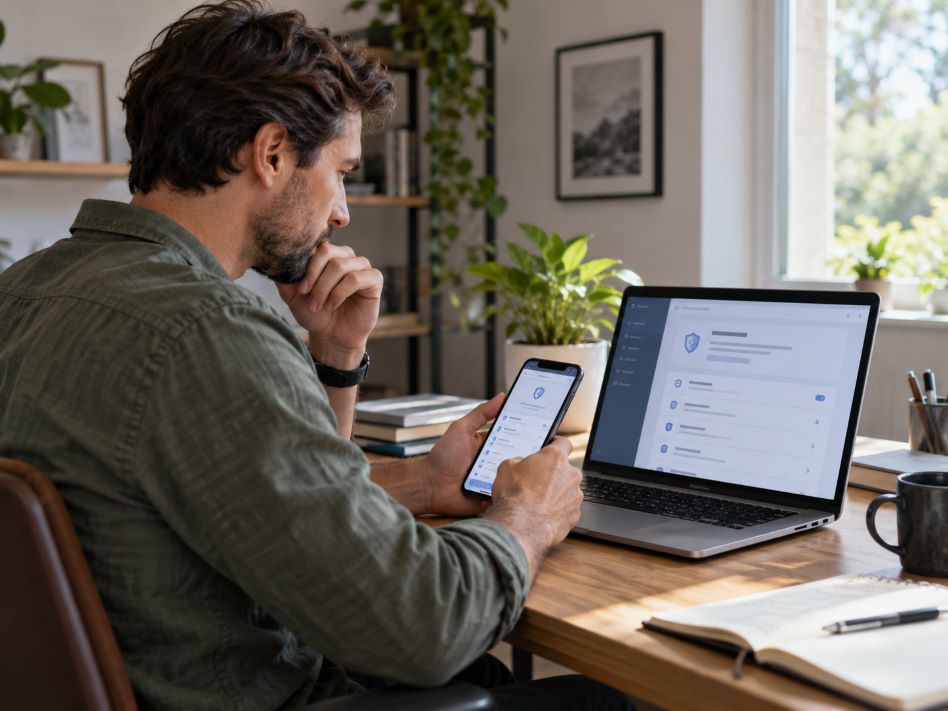
A Step-by-Step Guide to Reviewing Device Security After an Account Transfer
A proper security review should go beyond changing a password. The goal is to identify every remaining route into the account, secure the services connected to it, and establish recovery methods that are controlled by the current authorized user.
Step 1: Review Every Linked Device and Active Session
Start with the account’s device or session management page. Look for phones, tablets, computers, browsers, and applications that have recently accessed the account. Pay attention to devices you do not own, locations you do not recognize, and sessions that appear older than expected.
Google explains that its device-management page can display devices that are currently signed in as well as recent sessions. Several sessions with similar names can sometimes come from the same device, so unfamiliar activity should be reviewed carefully rather than judged by the device name alone.
Sign out of devices that are no longer required. If the service provides an option to end all sessions, consider using it when ownership or access has recently changed. Microsoft, for example, provides a sign-out-everywhere option for Microsoft accounts, although it notes that the process can take up to 24 hours.
Step 2: Change Reusable or Exposed Passwords
Next, update passwords for the main account and any important service connected to it. Each password should be unique. Reusing the same password across email, gaming, social media, or payment services creates another path into those accounts if one set of credentials becomes exposed.
Guidance from the Cybersecurity and Infrastructure Security Agency recommends strong, unique passwords and the use of password managers to generate and store them. A password manager also reduces the need to memorize several complicated credentials.
Step 3: Secure the Associated Email Account
Email deserves special attention because it often controls password resets, verification messages, security alerts, and account-recovery links. Securing the game or application account while leaving its email exposed can undermine the rest of the review.
Check the email account’s password, active sessions, forwarding settings, recovery addresses, and registered phone numbers. Remove anything that belongs to a previous user or an unfamiliar device. Then review recent login activity for changes you did not make.
Step 4: Turn On Strong Authentication Protections
Enable multi-factor authentication or another available authentication feature whenever the service supports it. This creates an additional barrier when someone tries to sign in with a compromised password.
The Cybersecurity and Infrastructure Security Agency recommends phishing-resistant authentication methods where they are available, such as security keys or passkeys. The agency notes that MFA can reduce the risk of unauthorized access when passwords are compromised, although some authentication methods offer stronger protection than others.
For game accounts, use the protections offered directly by the publisher. Supercell provides Account Protection for Supercell ID, including recovery codes and phone-based verification options. Recovery codes should be kept somewhere secure rather than stored on a shared device.
Step 5: Check Every Recovery Method
Review the recovery phone number, backup email, security keys, passkeys, and other recovery options. These settings matter because someone who controls a recovery method may be able to regain access even after the primary login details change.
Make sure each recovery option belongs to the person who should currently control the account. Remove outdated numbers and email addresses. When recovery codes are available, generate new ones if the service permits it and securely store the replacements.
Step 6: Remove Saved Access From Old Devices
A forgotten device can create another security gap. Check old phones, tablets, browsers, password managers, and application profiles for stored credentials or remembered sign-ins. A factory reset should be considered before selling or giving away a personal device, after important information has been backed up.
Also check whether passkeys or authentication credentials were created on devices that are no longer under your control. Google advises users to remove passkeys associated with lost or stolen devices from their account settings.
Step 7: Watch for Unusual Activity
Security review does not end after the settings are changed. People who participate in different online gaming environments may use several devices, platforms, and account systems, so regular monitoring remains useful. Watch for unfamiliar login alerts, unexpected verification codes, password-reset messages, unexplained profile changes, or activity occurring at unusual times.
Avoid responding to suspicious security messages through embedded links. CISA recommends going directly to the relevant service when verifying suspicious account alerts because phishing messages can imitate legitimate login or security notices.
Device Security Is Part of Account Security
An account transfer can involve more than a username and password. Devices, email accounts, recovery methods, remembered sessions, and authentication tools can all influence who retains access afterward.
Reviewing these areas systematically provides a clearer picture of account security. Start with active devices, strengthen credentials, protect the connected email, update recovery information, and monitor activity afterward. For gaming accounts specifically, users should also understand the publisher’s rules before transferring access. Supercell warns that transferred or purchased accounts may remain insecure and can be subject to restrictions under its policies.